 IMAGE
⚡ Generate
IMAGE
⚡ Generate
Keep the same face across every drop: swap your persona’s face onto new stills with matched geometry and per-job pricing shown upfront.
Pick an effect, upload your photo, and the built-in recipe does the rest. Same photo, far more reliable results.
You have been writing prompts by hand. Templates skip all of that — pick a card below, upload your photo, and get the same scene in one click.
IMAGE
⚡ Generate
 NEW 5s
⚡ Generate
NEW 5s
⚡ Generate
 IMAGE
⚡ Generate
IMAGE
⚡ Generate
 5s
⚡ Generate
5s
⚡ Generate
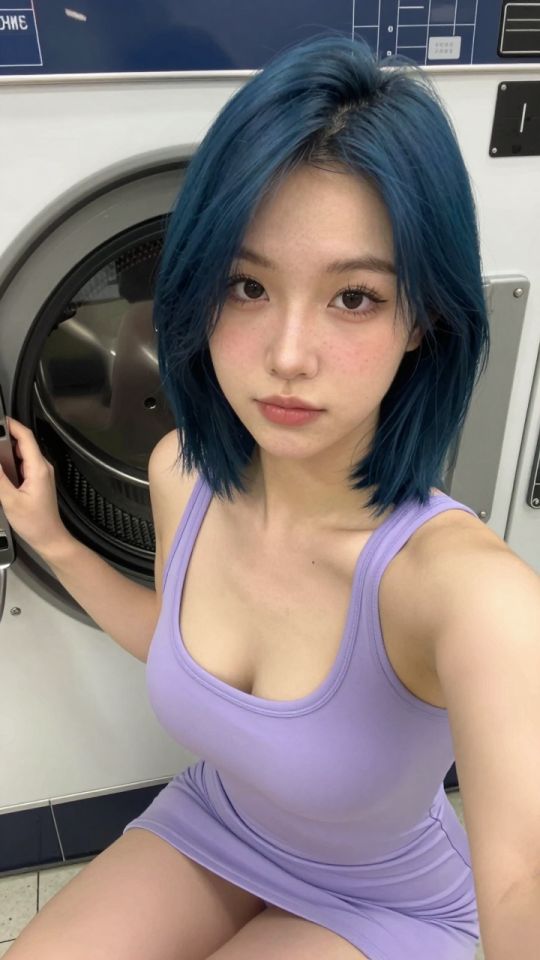
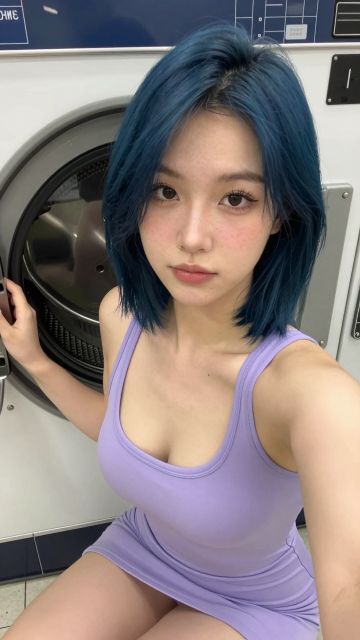 NEW 5s
⚡ Generate
NEW 5s
⚡ Generate
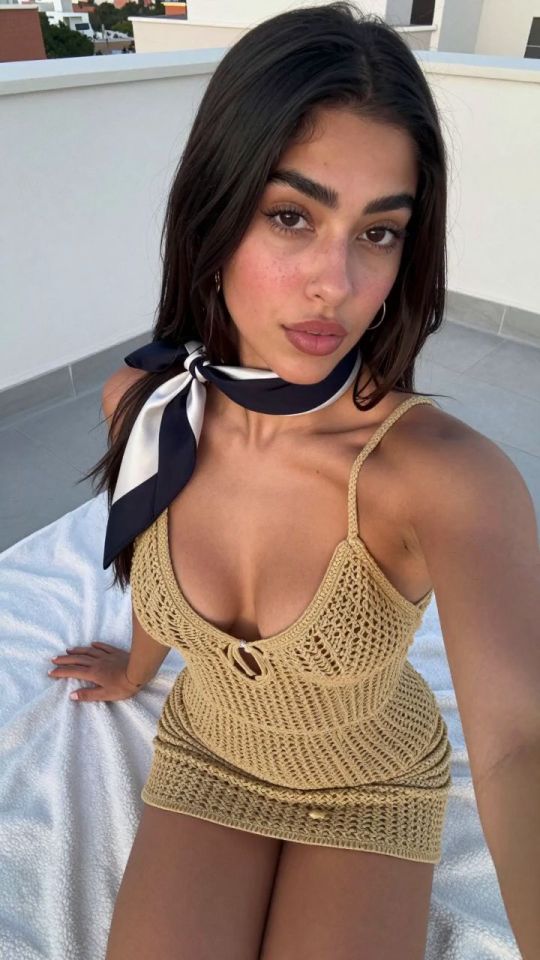
 IMAGE
⚡ Generate
IMAGE
⚡ Generate
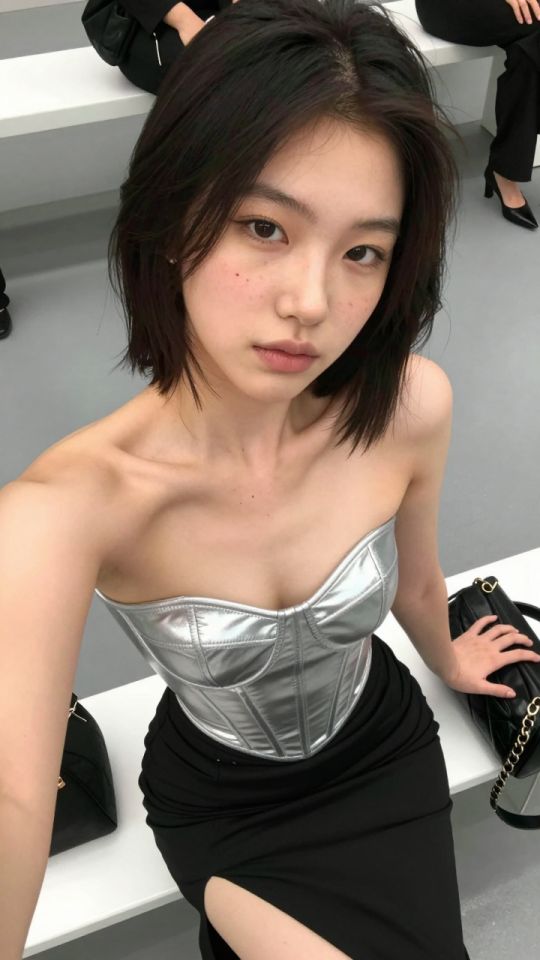
 5s
⚡ Generate
5s
⚡ Generate
 5s
⚡ Generate
5s
⚡ Generate
 IMAGE
⚡ Generate
IMAGE
⚡ Generate
 5s
⚡ Generate
5s
⚡ Generate
 5s
⚡ Generate
5s
⚡ Generate
 5s
⚡ Generate
5s
⚡ Generate
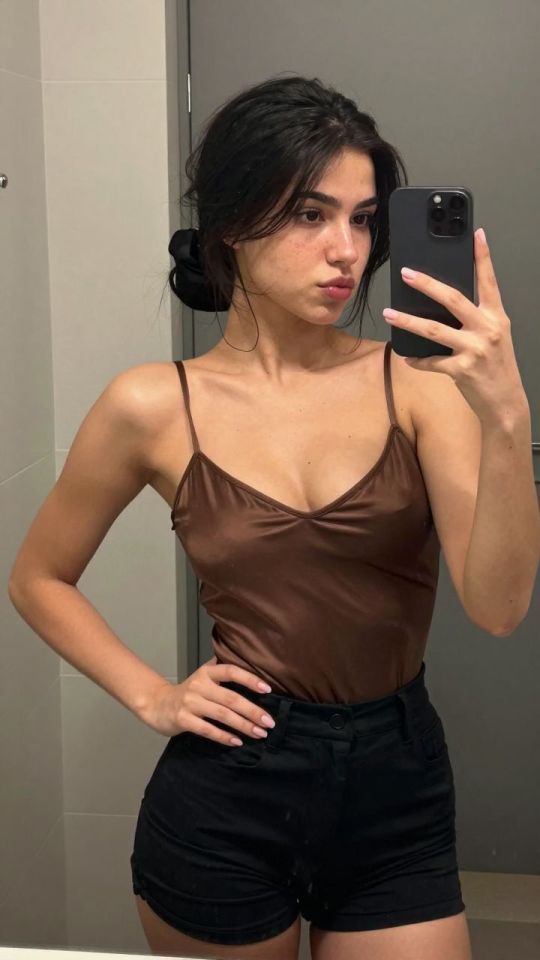
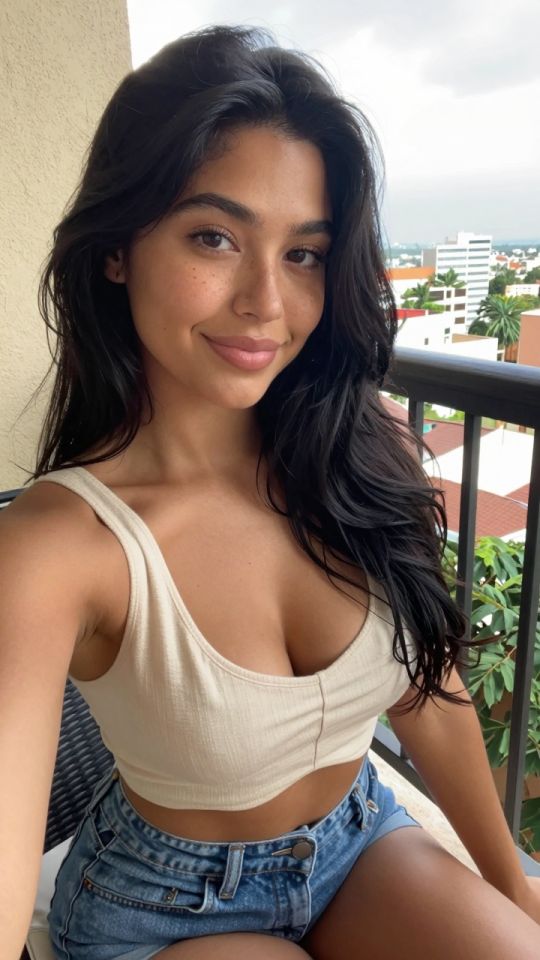
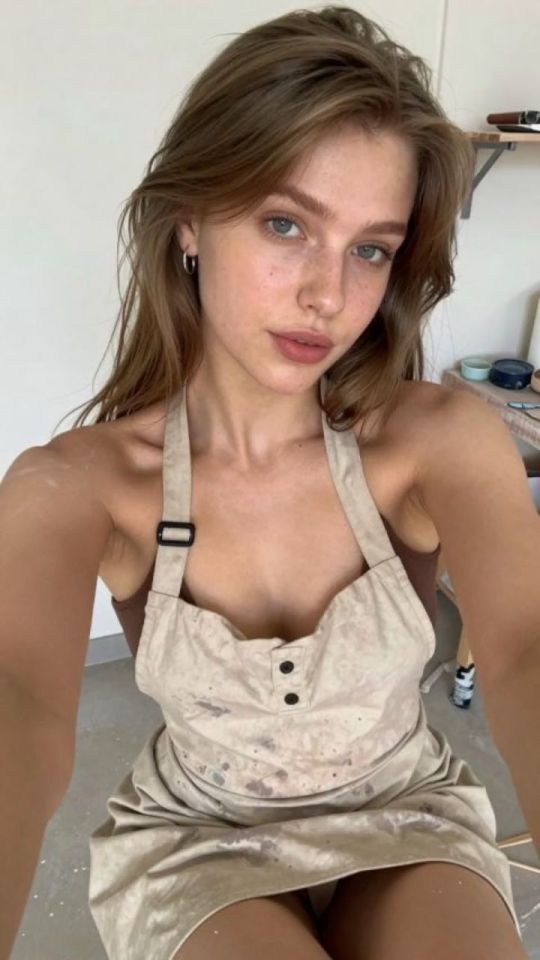
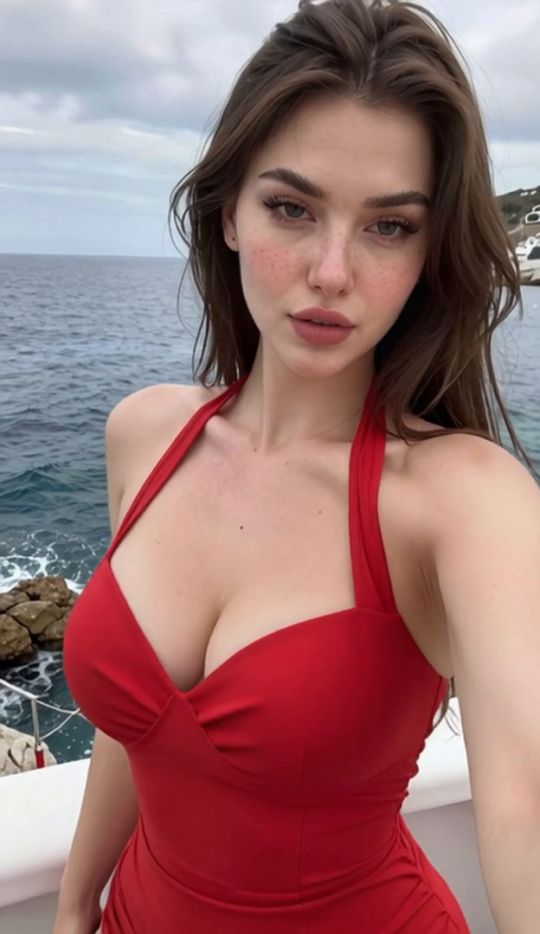
A page works when the followers know the girl. A face swap puts the face from a source image onto a target frame — which makes it the casting department of your page: your persona’s face, the one people followed for, placed onto new poses, outfits and sets without re-briefing the generator and hoping she shows up. It runs on the face_swap_pro model, priced per job and shown before you confirm.
A front-facing, evenly lit portrait of your persona. This file is page gold — guard the best version.
Similar head angle and light direction to the source. Matching geometry is what makes a swap disappear.
A quick pass through the editor for light and colour makes the frame sit naturally between its neighbours.
Seasonal drops, themed sets, location changes — unmistakably the same girl on every post.
A pose you love where the face drifted off-persona. Swap your anchor face in instead of regenerating.
Set covers cast with the same face as the content inside, so the preview never mis-sells the drop.
| Factor | Good match | Trouble |
|---|---|---|
| Head angle | Within ~30° of the source | Profile target, front source |
| Light direction | Same side, similar softness | Hard side light vs flat frontal |
| Resolution | Source at least as large as the face area | Tiny source stretched over a large face |
| Occlusion | Face clear of hair and hands | Strands and props across the face |
Source: your canonical face file, front-facing in soft window light. Target: a generated frame at a similar three-quarter angle in a pumpkin-lit autumn set. Result graded warm in the editor so it sits inside the set.
Angle matched within a few degrees, light matched in softness — the swap disappears and only the casting remains.
A generated frame with a pose and outfit you love, but a face that drifted off-persona. Swapping the anchor face in saves the frame for the price of one job instead of a regenerated set.
Rescue is the swap’s best economic case: the expensive parts of the frame — pose, set, light — were already right.
Keep notes on what matched. A line in your set folder — source file, target angle, grade applied — turns next month’s casting from an experiment into a repeat of something that already worked.
Your own, a fictional persona you created, or an adult’s with documented consent. Swapping a real person’s face without consent is prohibited.
Consistency. One clean, front, evenly lit source used every time is what makes a page read as one person.
Mismatched head angle or light direction between source and target. Match geometry first, then blend with the editor.
Per job on the face_swap_pro model, shown before you confirm. Source faces and results stay private in your account.
Yes — the video face swap applies the same casting to clips, priced by length and resolution.
Stills, clips, edits and swaps share one account, one credit balance and one private library — your page just collects the links.
Open the generatorAnalyzing your photo…
Your result will appear right here — keep this open.
0:00
Your image is deleted after generation.
Browse filesFailed jobs are refunded automatically. Results land in My Collection.